 English
 Deutsch
 Español
 Français
 Italiano
 Nederlands
 العربية
 中文 (中国)
 Dansk
 Svenska
 Norsk
 Suomi
 日本語
 Polski


Banking & payments
Pay in under a minute.
Scan the Swiss QR-bill with your banking app, or copy the details below. No typing, no errors, no surprises. You find all the information in hte family portal (fam.apexaqla.ch
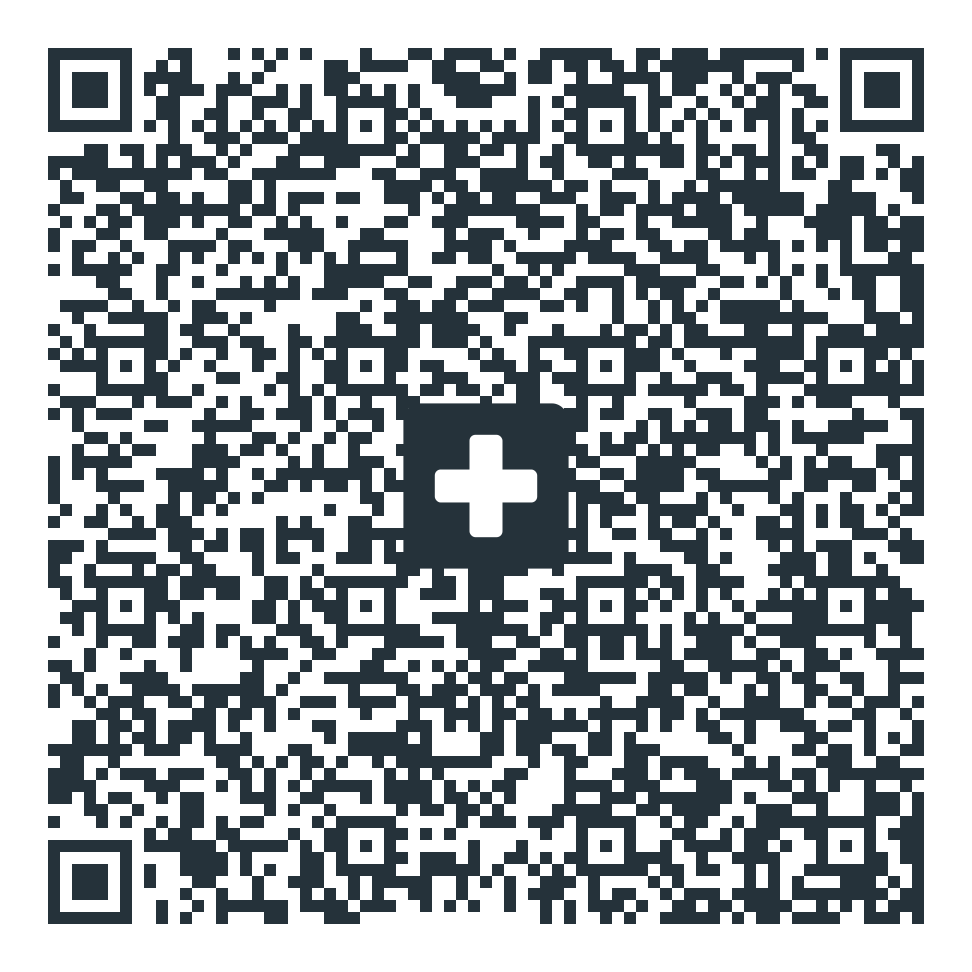
Or copy the details.
Use the reference exactly as shown so we can match your payment.
Two ways to pay
Mobile app or e-banking.
- Fastest
Scan with your banking app or pay via creditcard in the family portal
Or ppen your bank’s app, choose “scan QR”, point it at the QR-bill, check the amount, confirm. Done.
- On a computer
Paste into e-banking
Copy the IBAN and reference above into a new payment in your e-banking, add the amount, and confirm.
- From abroad
International transfer
Use the IBAN and BIC/SWIFT above. Ask your bank for any intermediary details — you find all the information inthe family portal in the invoice section.
Downloads
Invoice & fee schedule.

Sample invoice (PDF)
See exactly how an invoice from us looks — line items, total and the Swiss QR payment part.
Download PDF
Fee schedule
See all CHF fees, transparently, on our Outlays (fees) page.
See fees
Billing questions
Talk to our billing coordinator directly about any invoice.
WhatsAppSSL-encrypted · Swiss data protection